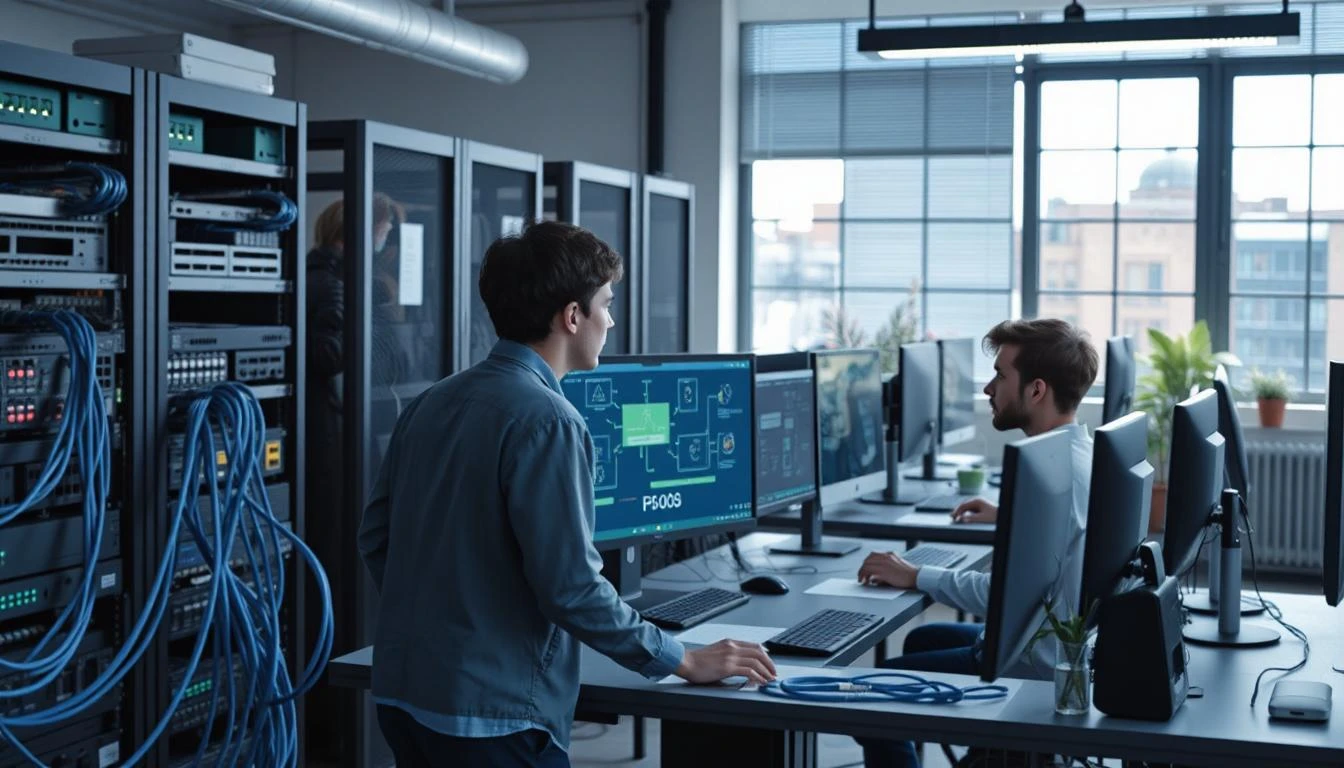
Simple LAN Setup Guide For Beginners
Understanding Local Area Networks
Building a network becomes much easier once you understand what happens behind the scenes. Many beginners assume networking is highly technical, but the core idea is surprisingly practical. A LAN simply allows multiple devices to communicate within the same environment while sharing resources quickly and securely. The better the structure, the smoother the digital experience feels for everyone connected to it.
A proper local area network tutorial also helps users avoid common mistakes such as unstable IP configurations, overloaded connections, and poor cable management. Instead of randomly connecting devices and hoping everything works smoothly, understanding the purpose of each component creates a stronger and more future-ready setup.
Definition and purpose of LAN
A Local Area Network, commonly called a LAN, is a network that connects devices within a limited area such as a home, school, office, or internet café. Unlike wide-area networks that span large geographical distances, LAN systems focus on high-speed communication inside smaller environments.
The main purpose of a LAN is to enable devices to share data, internet access, printers, and storage efficiently. A well-designed network reduces delays, improves internal communication, and creates a more responsive digital environment. Modern networking setups also support smart home systems, cloud backups, multiplayer gaming, and collaborative workspaces. Many current networking discussions also include related concepts such as Ethernet network, home network configuration, wired internet connection, network switch setup, and data transfer optimization, because these elements directly influence LAN performance.
Benefits of local network connections
One of the biggest advantages of a local network is consistency. Wireless connections are convenient, but they often suffer from signal interference, unstable speeds, and latency spikes. A wired LAN connection provides a far more stable experience, especially for activities that require uninterrupted communication.
For example, transferring large files between computers becomes significantly faster through a LAN than through cloud services. Online gaming also benefits from reduced latency, while offices can centralize printers and storage systems for easier collaboration. Security is another important benefit. Devices inside a LAN can communicate internally without exposing every transfer directly to external networks. This creates a more controlled environment for both personal and professional use. Cybersecurity expert Bruce Schneier once stated that “security is not a product but a process, and that idea applies strongly to local networking because maintaining stability and protection requires continuous attention rather than one-time installation.”
Devices used in LAN setup
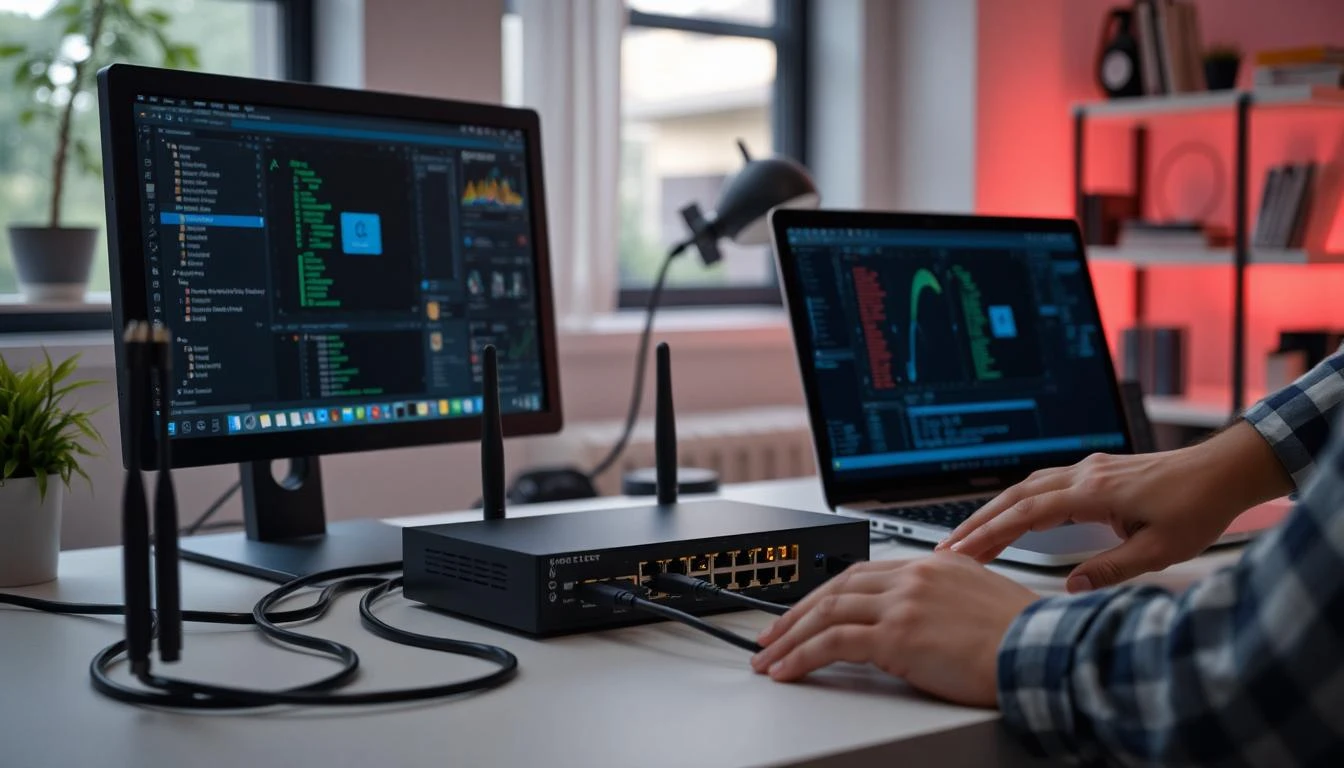
A beginner-friendly LAN setup usually requires only a few essential devices. The router acts as the central traffic manager, while switches expand the number of available Ethernet ports for additional devices.
Ethernet cables connect computers, gaming consoles, printers, or servers into the same network environment. Modern Cat6 cables are commonly recommended because they support higher bandwidth and better long-term performance. Other optional devices may include wireless access points, network-attached storage systems, or dedicated firewalls for improved security. However, beginners can still build a highly effective LAN without expensive enterprise hardware.
Steps to Build a Simple LAN
Once the fundamentals are clear, the actual setup process becomes far less intimidating. The goal is not to create a complicated enterprise system, but to build a practical and stable network that works efficiently for daily activities. Careful planning at the beginning often prevents frustrating connectivity problems later.
A structured setup process also makes troubleshooting easier. Instead of randomly changing settings whenever problems appear, each stage of the installation creates a clear foundation that supports long-term stability and better network performance.
Connecting routers and switches
The first step is positioning the router in a central and well-ventilated location. After connecting the modem to the router, additional switches can be attached to expand connectivity for multiple devices.
Each computer or device should then connect directly through Ethernet cables. This creates a physical communication path that is generally faster and more stable than relying entirely on wireless signals.
Many beginners searching for how to build a home LAN network for beginners often overcomplicate the process, even though most modern routers automatically handle many basic networking functions right out of the box. Keeping cables organized during installation is equally important. A clean cable structure reduces confusion, improves airflow, and makes future upgrades much easier.
Configuring IP addresses
Every device inside a LAN requires its own IP address to communicate properly. Most routers automatically assign these addresses through DHCP, making the process simple for beginners.
Some advanced setups use static IP addresses for printers, servers, or gaming devices because fixed addresses simplify device management and improve consistency for certain applications.
Common private IP ranges include:
- 192.168.0.x
- 192.168.1.x
- 10.0.0.x
When assigning addresses manually, duplicate IP addresses must be avoided because they can create communication conflicts across the network.
Many users looking for easy LAN configuration for small office networks discover that proper IP management becomes one of the most important foundations for long-term network stability.
Testing network connectivity
After everything is connected, testing the network ensures that devices communicate correctly. Simple diagnostic commands like “ping” help verify connectivity between devices and the router.
If communication fails, checking cables, router settings, and firewall permissions usually resolves the issue quickly. Skipping this testing phase often leads to hidden problems that become frustrating later. Modern operating systems also provide built-in troubleshooting tools that help identify connection bottlenecks, DNS issues, or gateway errors automatically.
Tips for Maintaining a Stable LAN
Creating a network is only the beginning. Long-term stability depends on maintenance, organization, and continuous optimization. Even simple adjustments can dramatically improve performance and reduce technical problems over time.
Many networking issues blamed on internet providers actually originate from poorly maintained local networks. A stable LAN requires attention to both physical organization and digital security to keep everything running smoothly.
Organizing network cables properly
Cable management may seem unimportant at first, but messy wiring quickly creates troubleshooting difficulties. Tangled cables can accidentally disconnect devices, reduce airflow, and make upgrades unnecessarily complicated.
Using cable ties, labels, and wall clips helps maintain an organized setup. Separating Ethernet cables from power cables may also reduce electrical interference in some environments. A cleaner layout not only looks professional but also improves maintenance efficiency whenever devices need replacement or expansion.
Improving network performance
Network speed depends on more than internet bandwidth alone. Internal congestion, outdated hardware, and excessive background traffic all influence performance. Upgrading to Gigabit switches, using high-quality Ethernet cables, and regularly updating router firmware can significantly improve data transfer consistency. Restarting networking devices periodically also helps clear temporary software issues that may reduce efficiency over time.
Interestingly, many users who complain about “slow internet” later discover that the real issue comes from poorly optimized local networking rather than the internet connection itself.
Securing local network access
Security should never become an afterthought in any LAN environment. Even home networks can become vulnerable if routers use default passwords or outdated firmware. Strong passwords, updated encryption standards, and regular firmware updates create a safer digital environment for all connected devices. Disabling unused ports and monitoring unfamiliar devices also helps reduce unauthorized access risks.
As smart homes continue growing, securing local networks becomes increasingly important because more devices now store personal information and communicate continuously through connected systems.
Build Your Simple LAN Network With Confidence
A reliable LAN does not require advanced engineering knowledge or expensive hardware. With the right structure, organized installation, and basic understanding of networking principles, anyone can build a stable system that improves productivity, entertainment, and communication across multiple devices.
The most effective network setups are often the simplest ones because they focus on stability, organization, and practical functionality instead of unnecessary complexity. Once you understand the fundamentals, expanding or improving your network becomes far easier and far less intimidating.